











































































































Picture Phone Case Design Guide: How to Turn One Photo into a Polished Everyday Accessory
A well-chosen phone case should make a daily essential feel more personal, more useful, and more enjoyable to carry. This guide explores practical choices that help shoppers make a confident decision while leaving room for individual style.
Start with a photo that tells one clear story
A picture phone case can turn an ordinary photo into something you see and use every day. The first decision is not about filters or decoration; it is about choosing an image with a clear emotional center. A candid laugh, a pet’s expression, a travel scene, a child’s drawing, or a favorite landscape can work beautifully when the subject is easy to recognize at a small scale.
Avoid choosing a photo only because it contains a lot of information. Phone cases have limited space, and the most successful images usually have a strong subject, usable light, and enough clean background around the focal point.

Check quality before you design
Use the original image file whenever possible rather than a screenshot, compressed social post, or picture forwarded through several apps. Higher-quality files give you more room to crop and resize without losing the small details that make a picture feel alive. If the image is slightly dark, adjust brightness gently; heavy editing can make skin tones and skies look unnatural.
Zoom in on the subject before committing. If faces or important details already look soft on your screen, they may not hold up well once placed on a full case design. Choose another frame from the same moment if one is available.

Crop for the camera and the composition
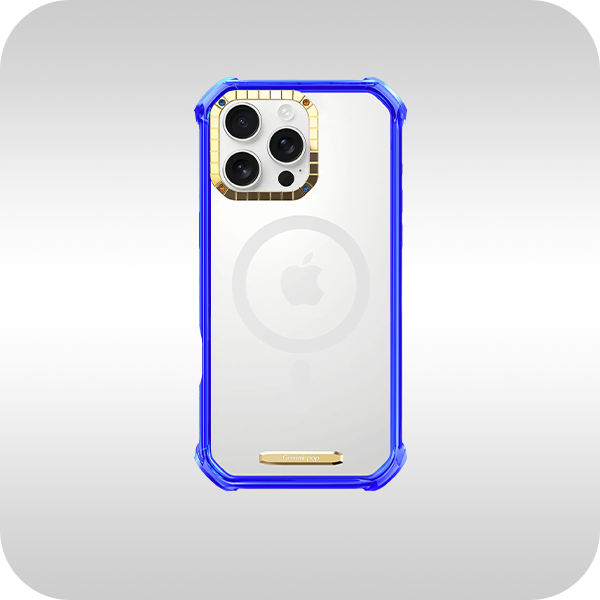
A picture phone case needs room around the camera cutout. Do not place a face, pet, landmark, or important lettering where a camera opening could interrupt it. Begin with the subject slightly below or beside the camera area, then test the crop at the actual phone-case ratio.
There are three reliable layouts. A full-bleed image feels immersive and works best with simple scenes. A centered photo with a border can feel more like a printed keepsake. A collage layout works when you have two or three related images, but keep the arrangement restrained so it still reads clearly at a glance.

Add text only when it adds meaning
A short date, place name, or single word can make a picture phone case more personal. Long captions often compete with the photo, so edit ruthlessly. Choose a type style that matches the picture: a clean sans serif for modern photos, a quiet serif for a more sentimental image, or hand-drawn lettering only when it suits the story.
Use text as a supporting detail. The photo should remain the hero. If the layout already feels complete without words, leave it that way.

Gemmispop style recommendation
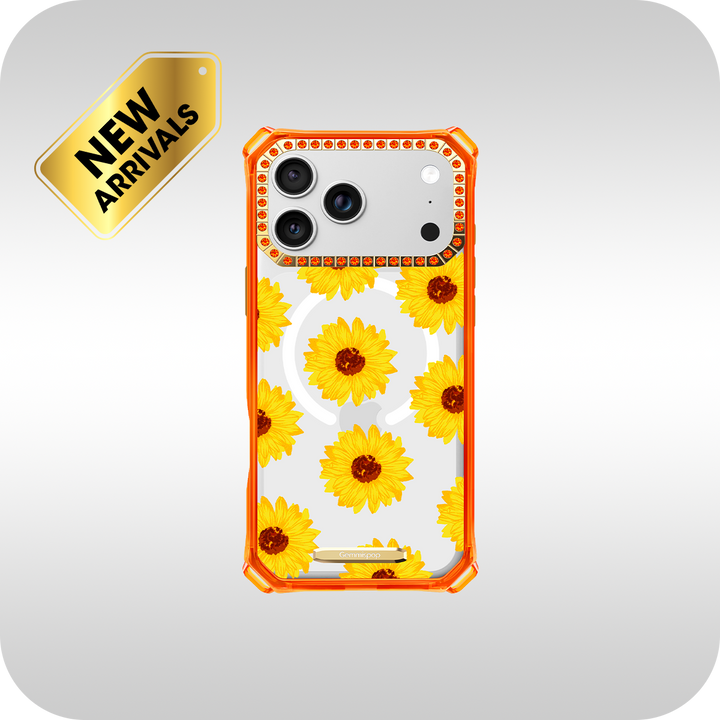
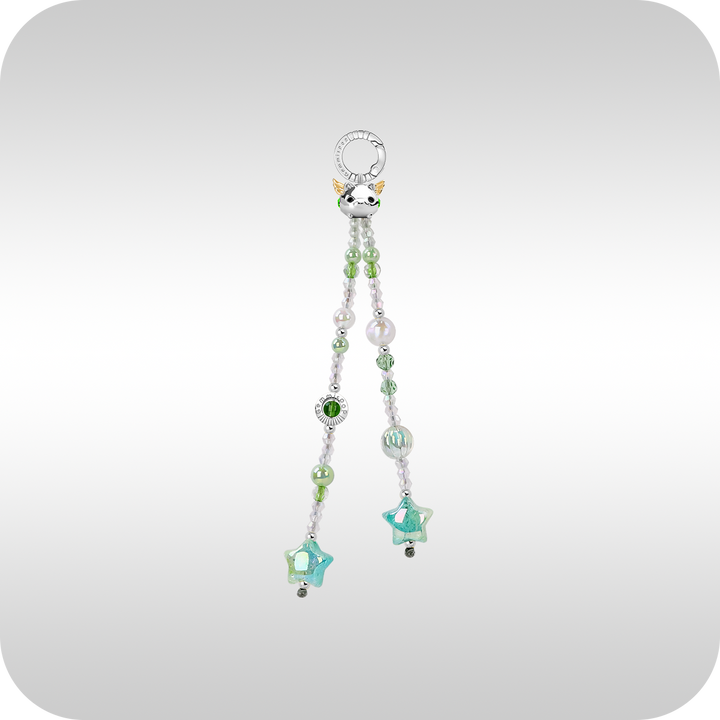
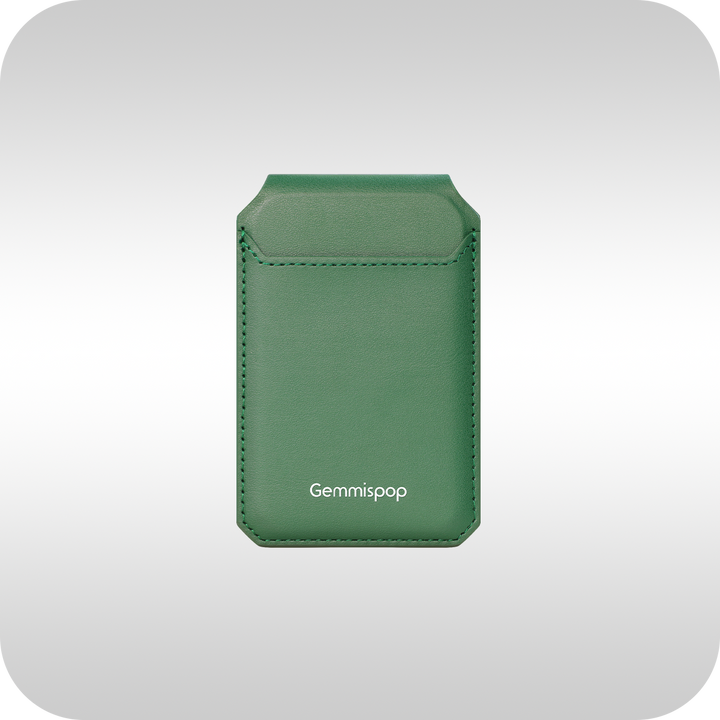
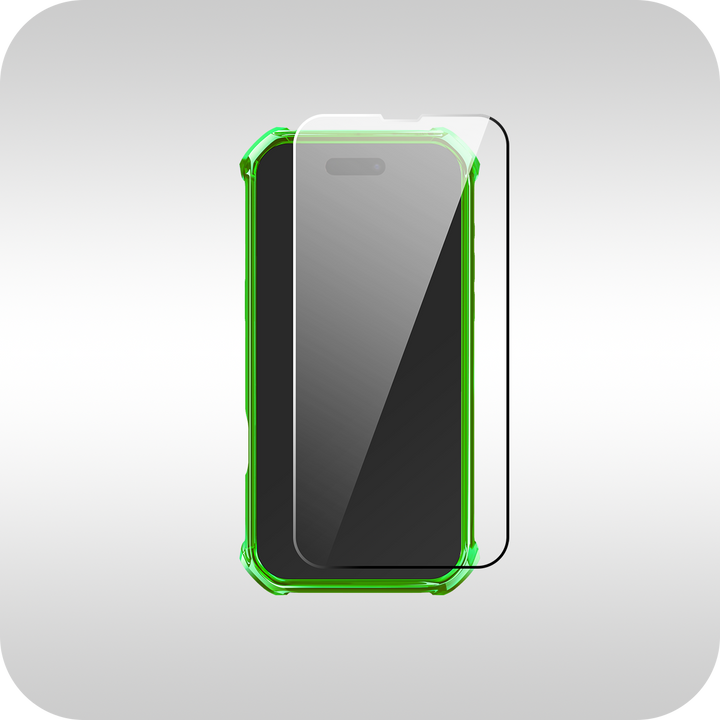
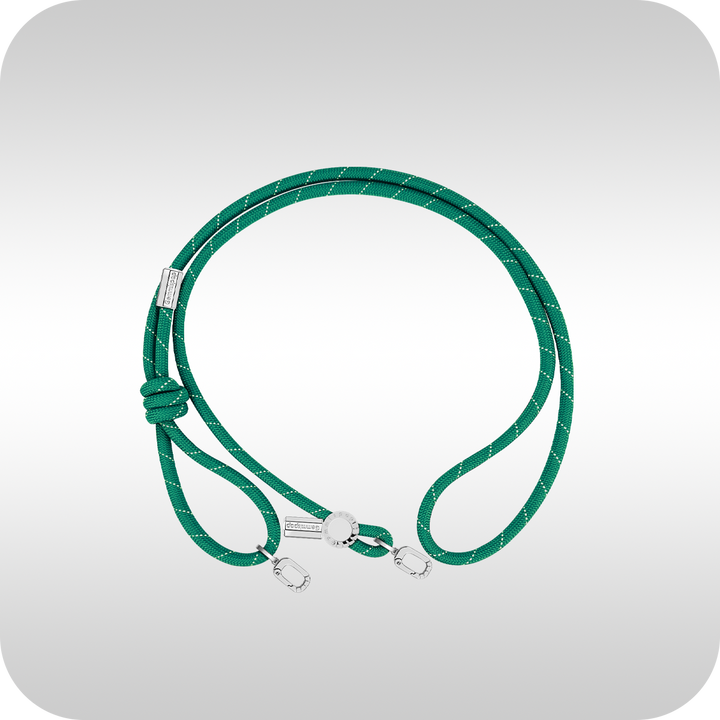
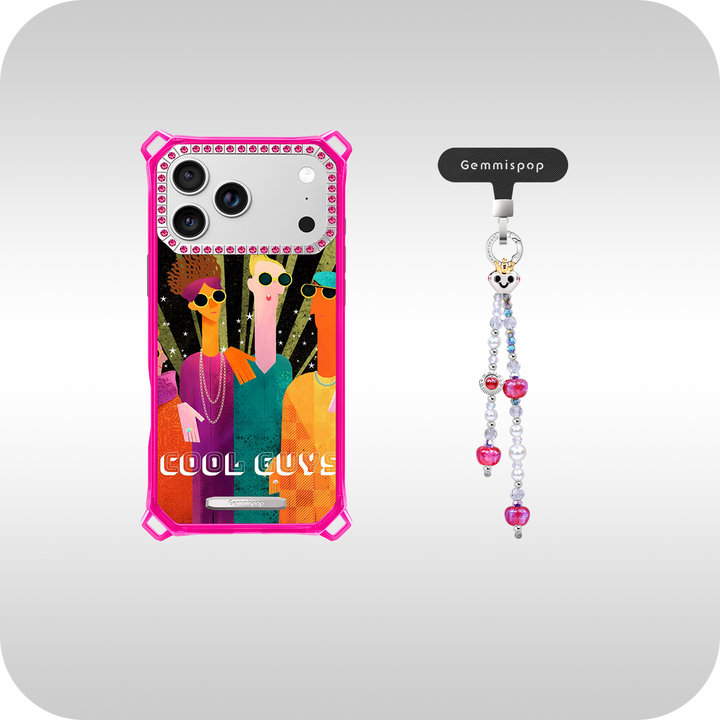
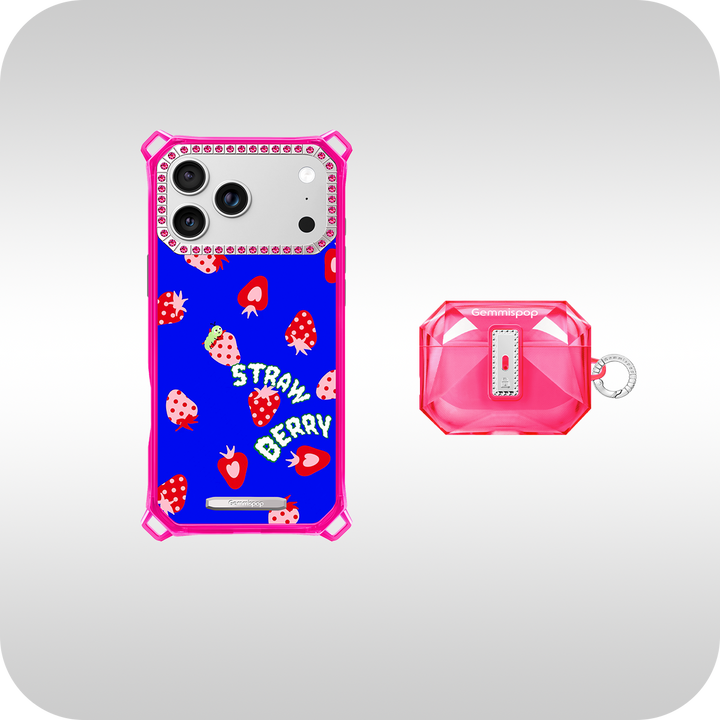
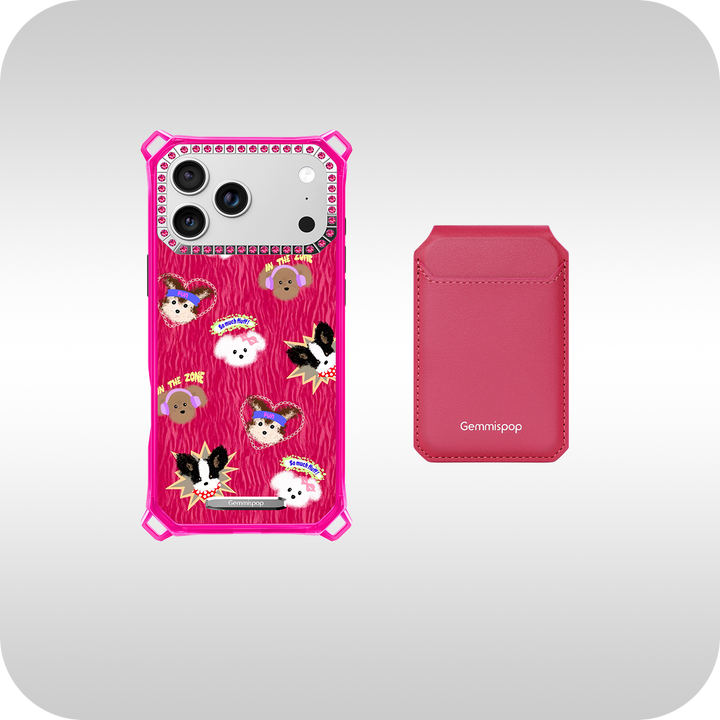
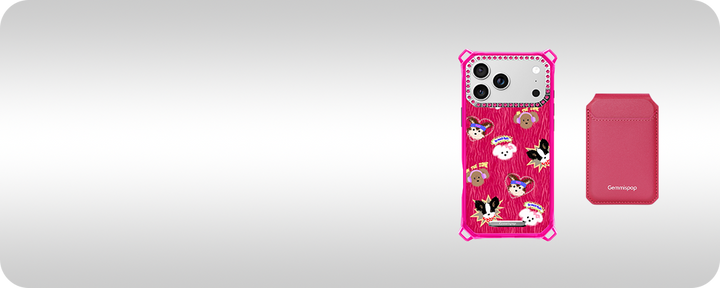
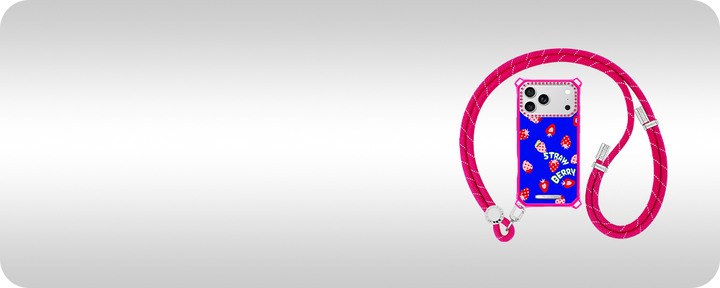
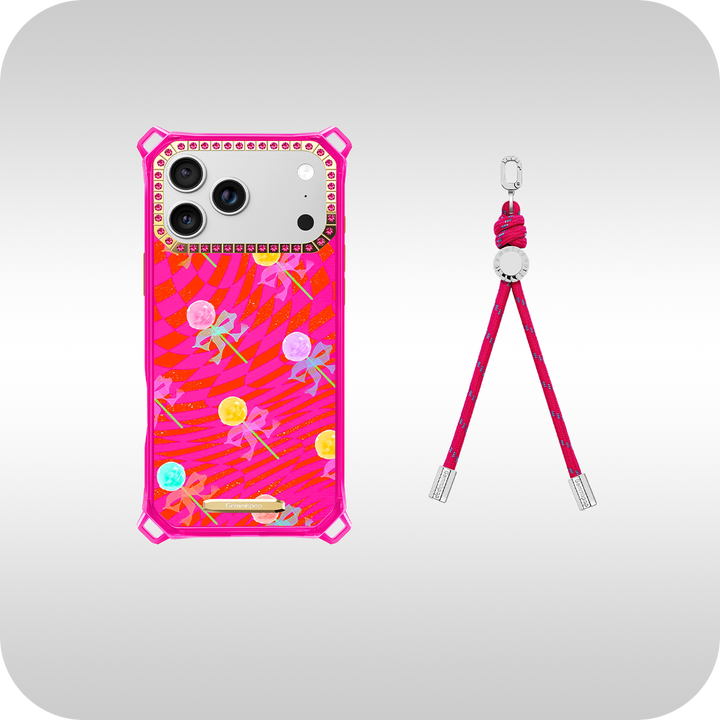
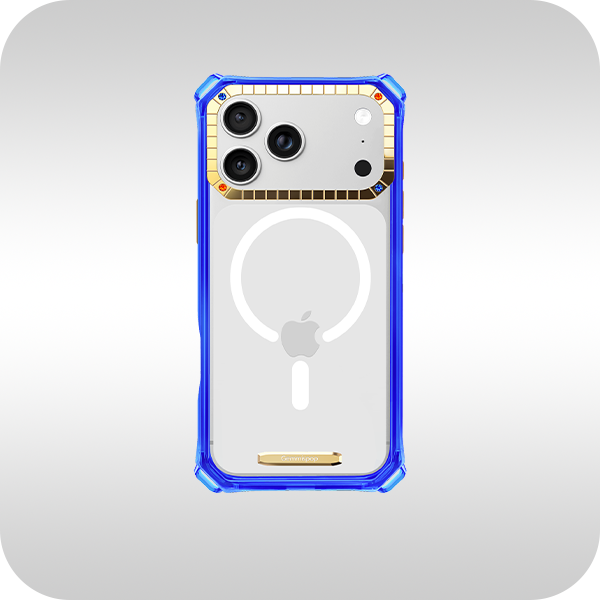
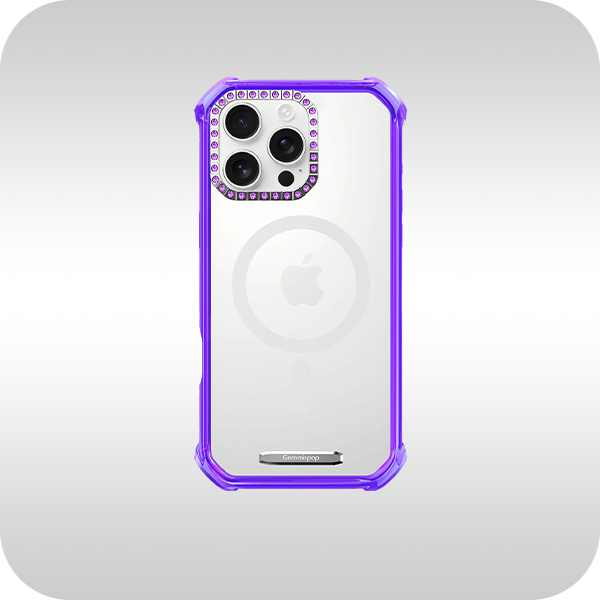
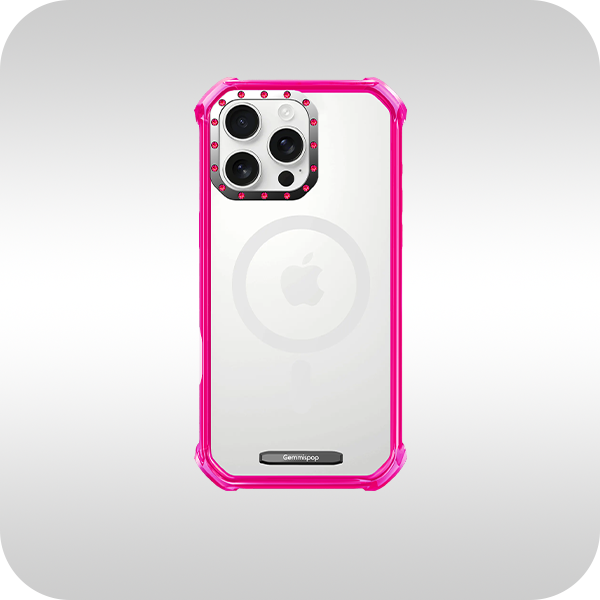
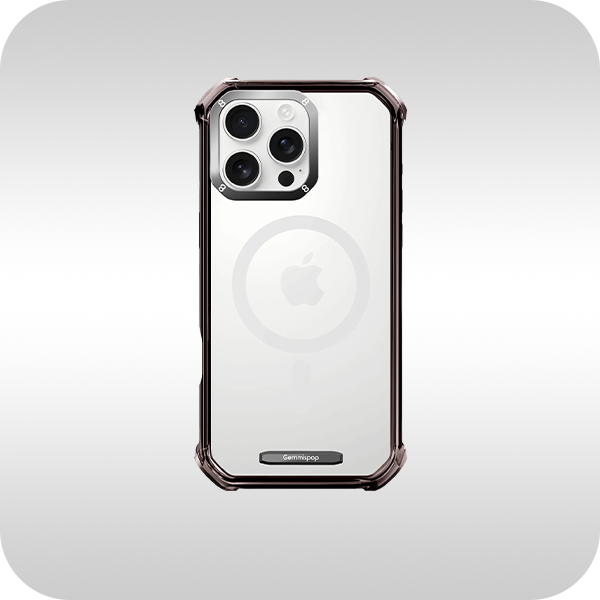
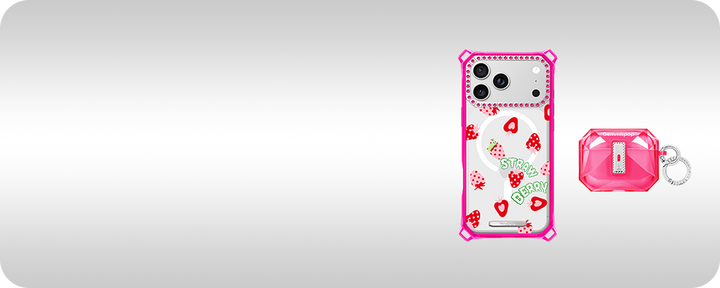
M.C Happy X Memory from Gemmispop is a lively memory-inspired option for shoppers who enjoy a case with a personal, upbeat visual story. It is a useful style reference when planning a picture-based design that should feel cheerful and expressive rather than overly formal.
FAQ
What photo works best for a picture phone case?
Choose an original high-quality image with a clear subject, usable lighting, and enough open space to crop around the camera cutout.
Can I use a vertical photo on a phone case?
Yes. Vertical photos often work well because the case itself is tall. Just test the top area carefully so the camera opening does not cover an important detail.
Should I add a border to a picture phone case?
A border can give the image a printed, polished feel and make the design easier to coordinate with text. A full-bleed image is better when the scene is simple and immersive.

Recommended Gemmispop Product
M.C Happy X Memory: https://gemmispop.com/products/best-trendy-synthetic-crystals-standard-iphone-17-case-mc115


