





































































































Picture Phone Case Ideas That Look Clean, Personal, and Never Overdesigned
Why a refined picture phone case matters
A picture phone case should feel intentional: personal without being busy, expressive without overwhelming the iPhone’s lines. Choosing a single, well-composed image and surrounding it with breathing room creates a case that reads as thoughtful design rather than visual noise. This guide shows practical ways to keep your phone cover clean, personal, and never overdesigned.
Think of the case as a small gallery wall. When you pare elements back, the eye lands where you want it to — the subject of the photo, a short caption, or an elegant pattern. A restrained approach also makes daily wear and matching outfits easier because the case can support, rather than compete with, the look you’re building.

Negative space and a single focal photo
Negative space is the easiest way to achieve a refined aesthetic. Place one strong image off-center or centered with generous margins; avoid repeating photos or dense collages that shrink details. When selecting the focal photo, prioritize clear composition and distinct subject separation from the background so it still reads at small scale.
Crop intentionally. Tight crops that cut off key elements can feel accidental; wider crops that leave space around the subject feel editorial. For portraits or objects, allow room above and below for how the case wraps around camera openings and edges. If you’re unsure how a crop will translate, try printing a small mockup at phone size or set the image as a phone wallpaper to preview scale.
Restrained color and readable text
Limit your palette to two or three complementary colors. Muted tones, monochrome treatments, or a single pop color against neutral negative space reads as considered. If you want a patterned background, reduce its contrast so the focal photo or text remains dominant.
If you include words, keep copy short and legible. Use a simple sans-serif or a low-contrast serif, set in a size that remains readable at the scale of a case. Place text where it won’t be cut by camera holes or button areas, and test for contrast: dark type on light negative space, or white type only where the background is consistently dark. Remember that tiny decorative scripts rarely survive the shrink-to-phone process; favor clarity over ornament.

Proofing and final checks before ordering
Proofing is the step most people skip but it’s essential for a refined result. Confirm image resolution: a file sized to the case’s print dimensions will produce crisper detail. Check bleed and safe zones so important elements aren’t trimmed or obscured by the camera cutout. Many sites provide a preview tool — use it and rotate the preview to see how the design sits on both the front and back edges.
Always confirm exact model availability before placing an order. Print mapping can differ between iPhone models; what looks balanced on one size may feel off on another. If you want features like wireless charging compatibility, confirm model-specific compatibility on the product page rather than assuming universal behavior.

A refined option to consider
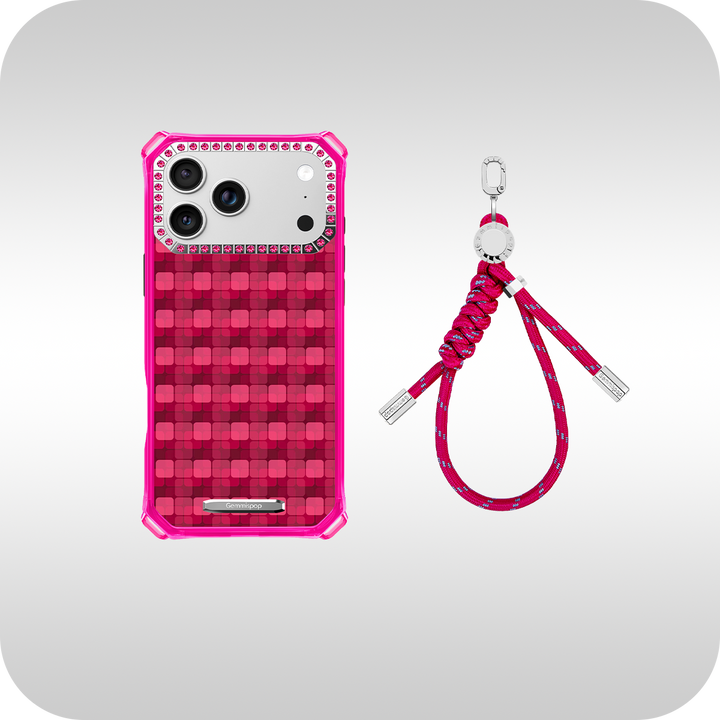
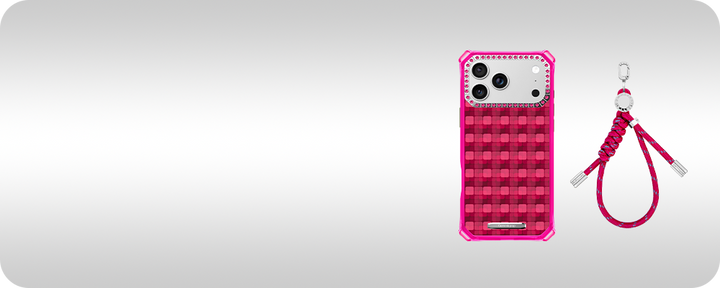
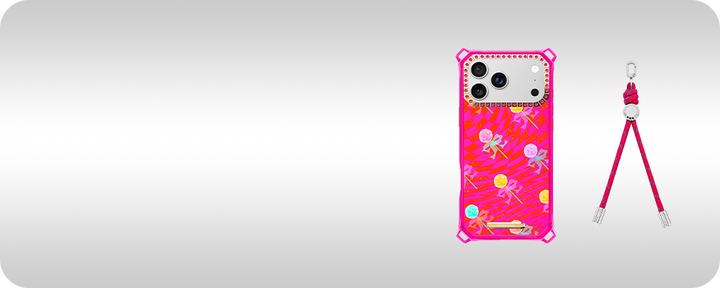
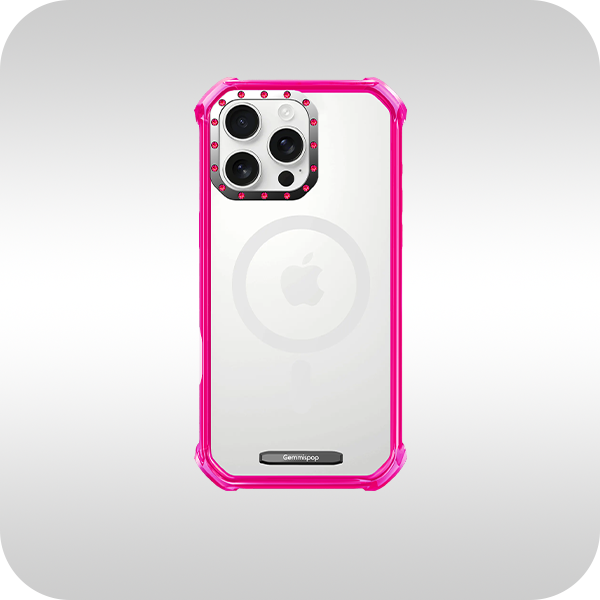
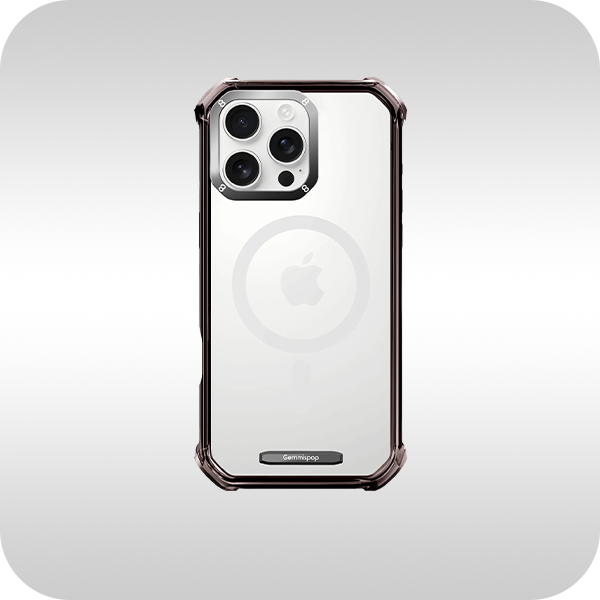
For a picture phone case that leans into pattern without becoming loud, consider the M.C. Mosaic Pattern for iPhone 15 Pro Max. The M.C. Mosaic Pattern for iPhone 15 Pro Max pairs a structured geometric motif with restrained color so the case reads sleek alongside a single focal photo or minimal text. Before you order, confirm exact model availability and any compatibility notes on the product page: M.C. Mosaic Pattern for iPhone 15 Pro Max.
FAQ
What resolution should my photo be for a picture phone case?
Aim for an image with at least 150–300 DPI at the final print size if you can determine it, and use the largest original file available. For practical purposes, a file that’s roughly 2000–3000 pixels on the long edge usually provides enough detail for modern iPhone case printing. Avoid heavily compressed JPEGs and preview the upload to check for softness or artifacts.
How do I make text readable on a small case?
Keep text short and high in contrast to its background. Use clean typefaces, generous tracking, and avoid very thin strokes. Place copy inside safe zones away from camera cutouts and edges. Before ordering, check the product proof at actual scale or view the case mockup on your screen to ensure legibility.
Will a design look the same across different iPhone models?
Not always. Different iPhone sizes and camera modules change how a design wraps and where important elements land. Check the product preview for your specific iPhone model and confirm exact model availability on the product page before you order so the composition stays balanced.


