


























































































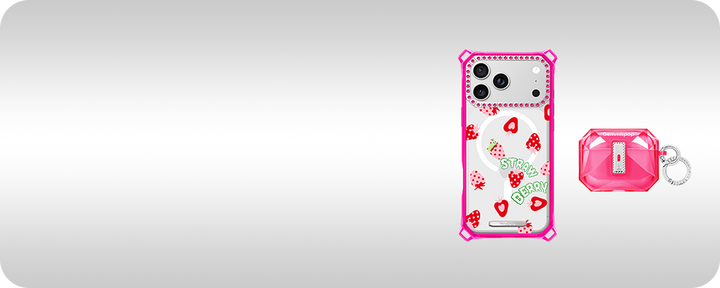

Photo Phone Case Ideas for Pet Parents: Turn Everyday Moments Into a Design You Will Keep
Start with the right photo
A great photo phone case begins with a single image that tells a story. When you pick a photo phone case design, choose a frame where your pet’s face or defining feature is clearly visible and not buried in background clutter. Close-ups of the eyes, a candid mid-action shot, or a relaxed portrait on a neutral background tend to read well at the small scale of an iPhone back.
If you have several contenders, crop them to a phone-shaped frame on your phone or in a simple photo editor to preview how the subject sits. This quick test helps you see whether a head tilt, paw placement, or negative space will be cut off by camera islands or case edges.

Composition and contrast for tiny screens
On a phone case, small differences in contrast and composition make a big visual impact. High-contrast images where your pet stands out from the background are easier to recognize at a glance. Avoid busy patterns behind the subject and consider a slight blur or vignette to push your pet forward in the composition.
Think about the iPhone camera bump and how it interacts with your image. Place important details away from that area and from the edges where printing might crop slightly. Portrait orientation often works better for single-subject shots, while horizontal images can suit a panoramic layout if the design uses borders or background fill.
Choose sentimental elements with restraint
A pet photo can be deeply personal, but restraint makes the design wearable every day. Consider keeping one or two meaningful elements: the pet’s eyes, a favorite toy in soft focus, or a tiny collar tag with initials. Layered collages can work, but limit them to two or three images so the case doesn’t appear cluttered.
If you want to include text—a name, date, or short phrase—pick a clean, legible font and place it against a quiet area of the photo. Small text can disappear when viewed from a distance, so larger, high-contrast lettering is more effective without overwhelming the image.

Daily usability: protection, grip, and visibility
Design choices should consider how you use your iPhone. Matte finishes reduce glare and fingerprints but may soften colors; glossy prints pop but show smudges more easily. Think about grip and how frequently you handle your phone—textures or raised edges can improve handling without changing the image dramatically.
Before you finalize a design, confirm exact model availability and any compatibility notes on the product page for your iPhone. Different iPhone models have varying camera layouts and button placements that affect both fit and where the photo will appear on the case.

A helpful iPhone case option from Gemmispop
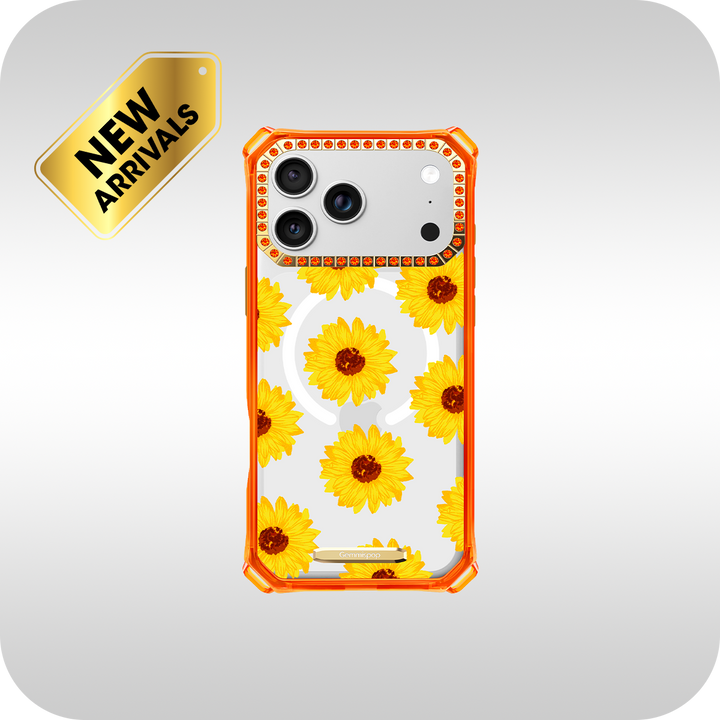
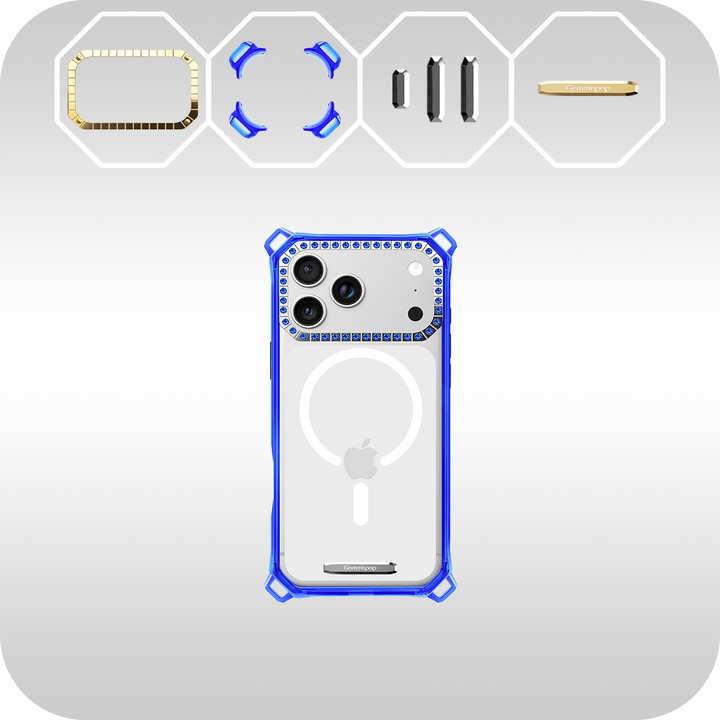
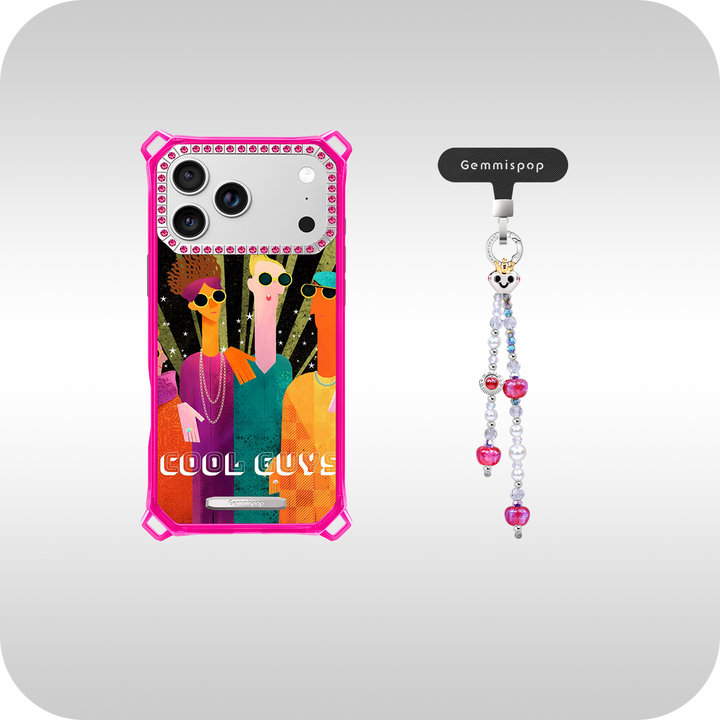
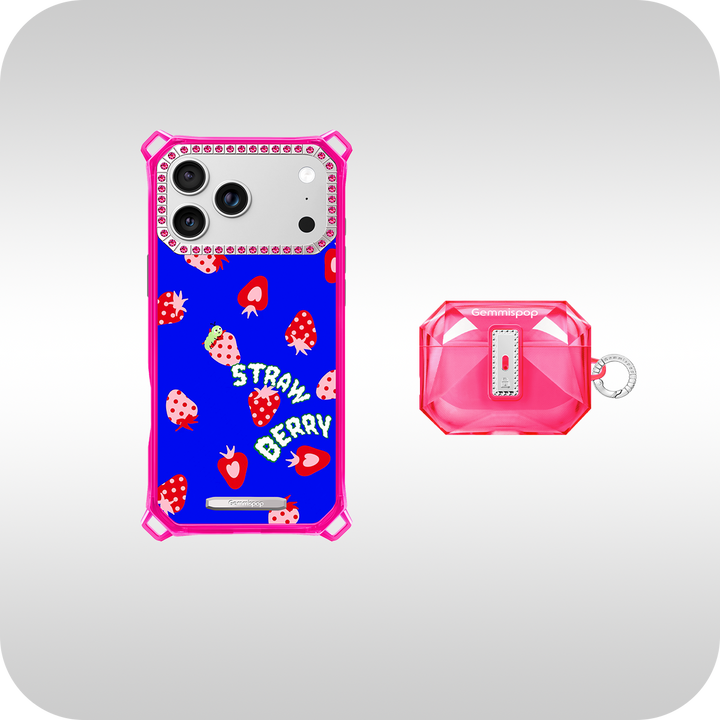
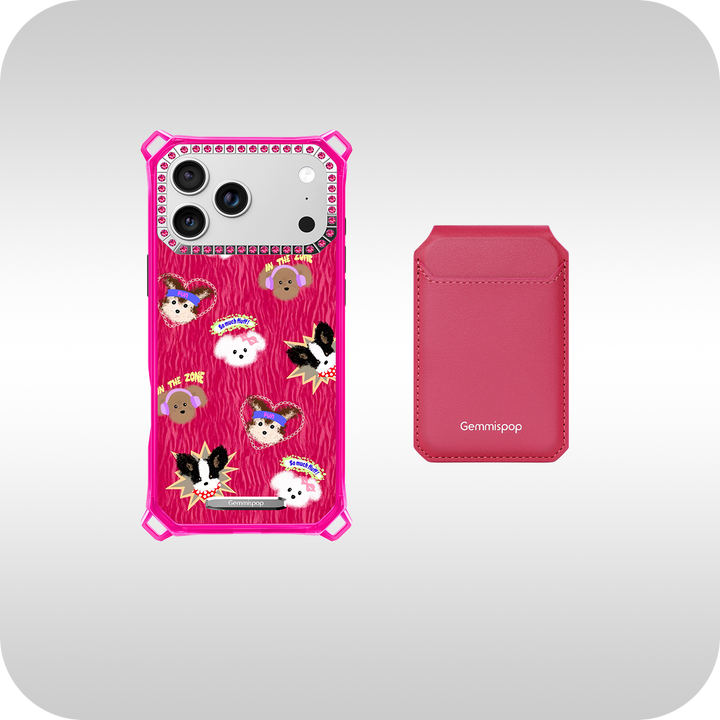
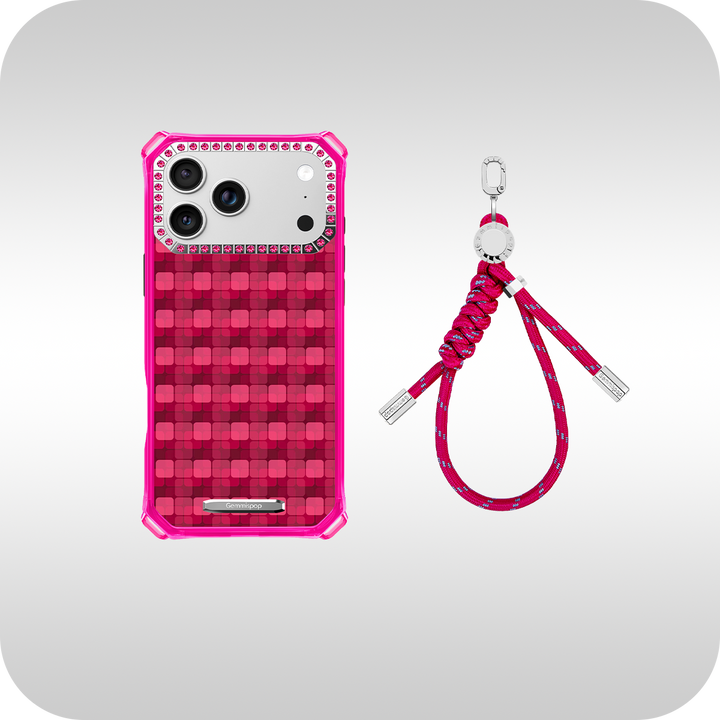
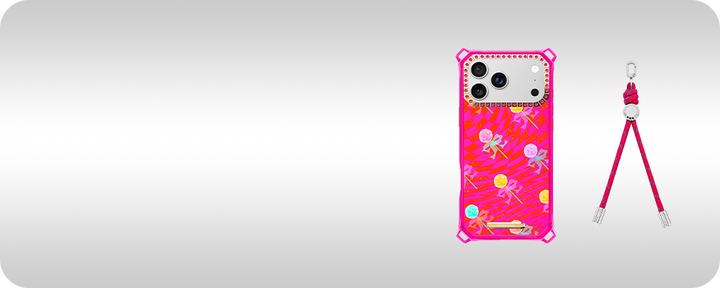
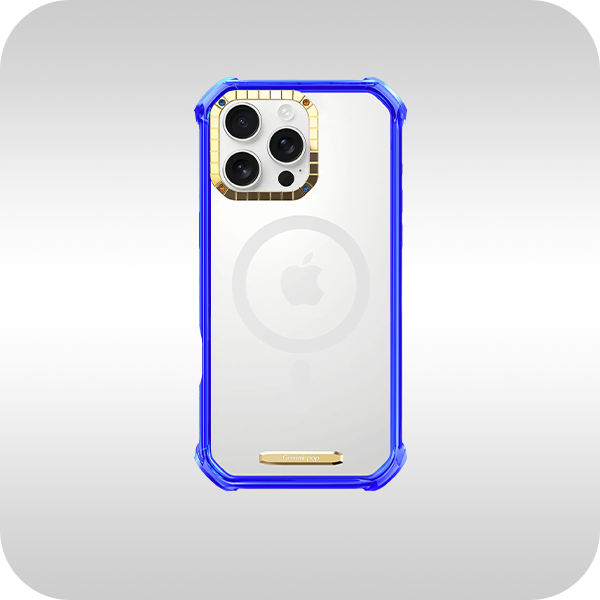
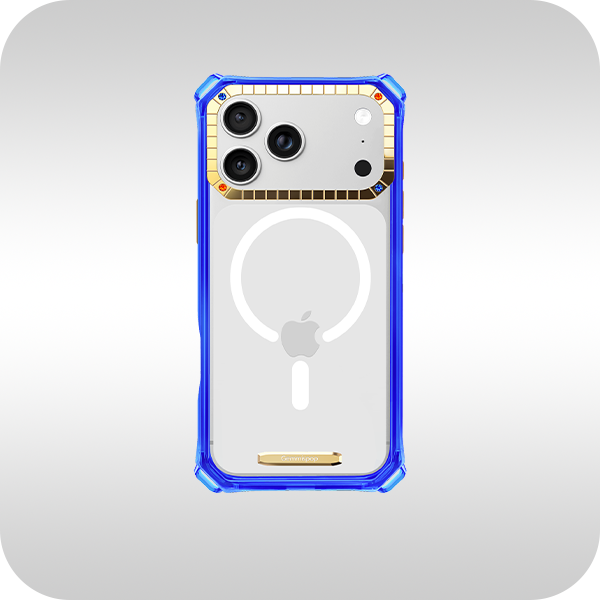
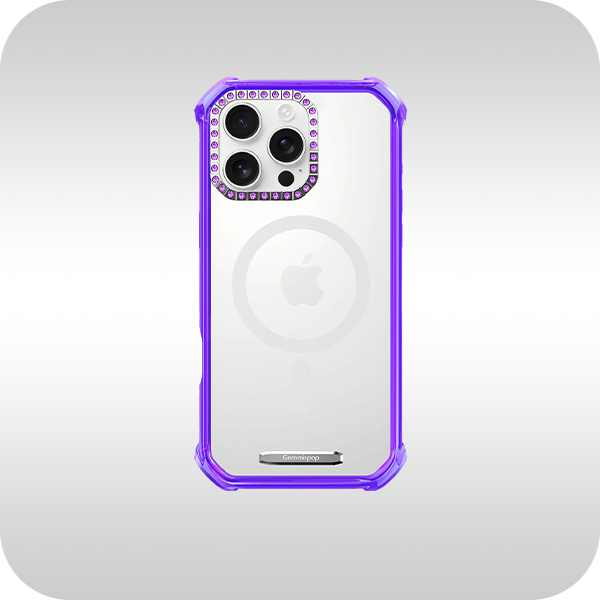
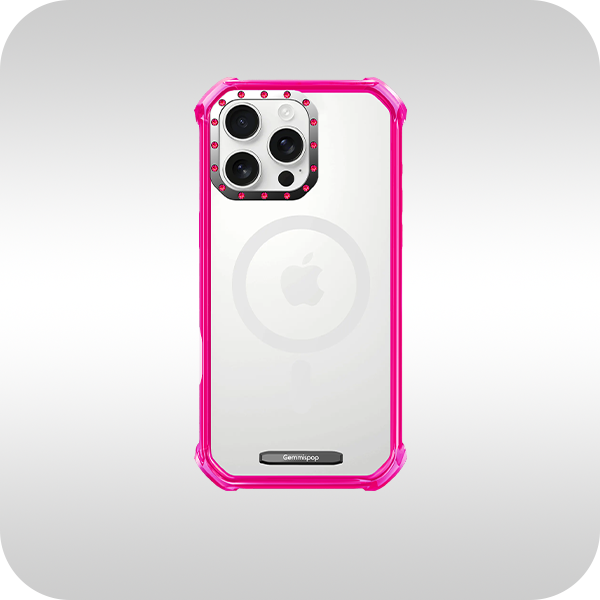
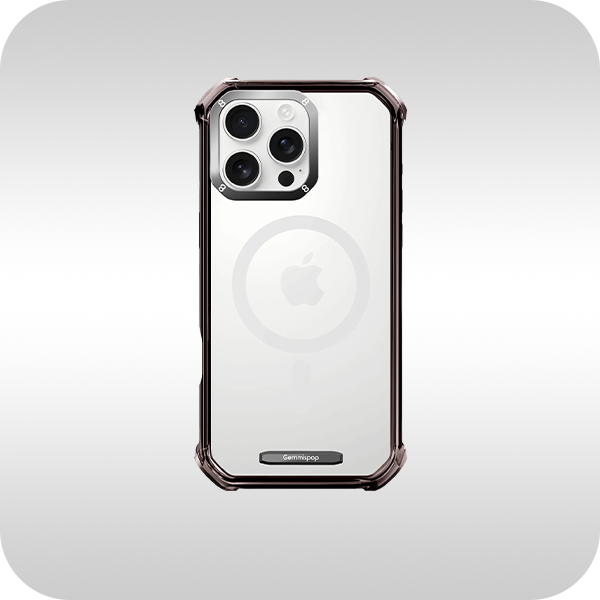
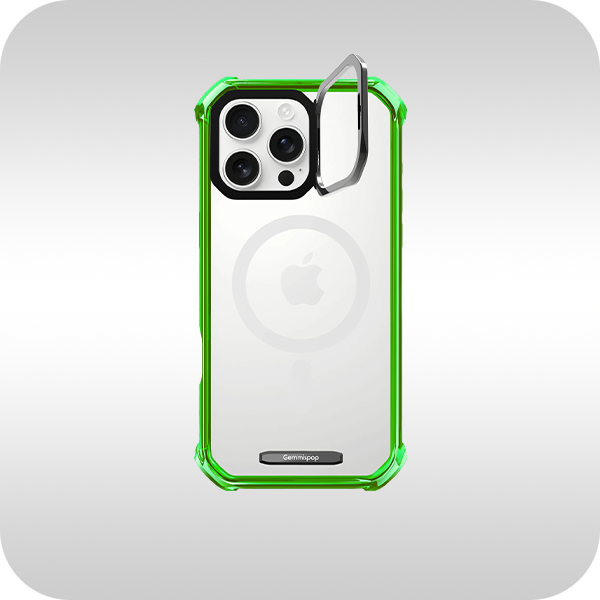
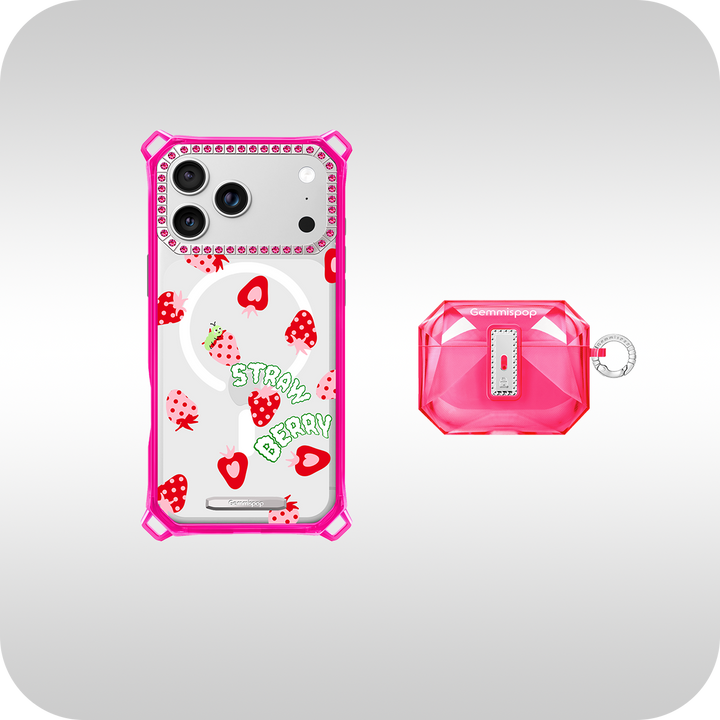
For pet parents who want a balanced blend of image quality and everyday practicality, the Gemmispop iPhone Case Collection is worth exploring. The collection offers multiple finishes and layouts designed specifically for iPhone models so your chosen photo reproduces clearly without unexpected cropping. Review case finish options and size previews, and check exact model availability on the product page before you order. See details at Gemmispop iPhone Case Collection.
FAQ
What resolution or photo quality should I upload for a photo phone case?
Use the highest-resolution version of the photo you have and avoid heavy compression. Aim for images where the subject appears sharp when cropped to a phone-shaped frame. If you must use a phone snapshot, pick one that’s well-lit and in focus; low-light or blurred images may print soft on a case.
Can I use multiple pet photos on one case and still keep it readable?
Yes—combining two or three images can be effective if you simplify each image and give them breathing room. Use a consistent background tone or add subtle borders between photos. Avoid collages with many small images since detail can get lost at the case scale; prioritize clarity and balance.
Do I need to worry about iPhone model compatibility or accessories like wireless chargers?
Always check the product page for exact model compatibility before ordering, since camera cutouts and button placement differ between iPhone versions. If you use accessories such as magnetic mounts or wireless chargers, confirm compatibility on the product page rather than assuming a specific performance level.


