




































































































How to Customize a Phone Case With Text, Colors, and Details That Age Well
Begin with a clear, simple idea
When you decide to customize phone case artwork for your iPhone, start with one clear goal: make something you'll enjoy long after the novelty wears off. The most enduring designs are uncluttered and purposeful — a short name, a single motif, or a restrained color block. Thinking small at the start helps you avoid trends that date quickly and ensures the finished case feels personal rather than trendy.
Focus on longevity: choose one focal element and let it breathe. Leaving space around text or a photo lets the eye rest and reduces visual noise when you glance at your iPhone throughout the day. This approach also reduces the chance you'll tire of the design a few months in.

Text: pick size, spacing, and tone that age well
Type choice makes a big difference. Clean sans-serifs or classic humanist serifs often read better at small sizes and look more timeless than overly stylized display fonts. Keep text short — a single word, initials, or a short phrase — and avoid long sentences that crowd the back of the iPhone.
Mind spacing. Increase letter-spacing slightly for short words or initials so letters don’t feel mashed together, and give the line height room if you use two lines. Contrast is crucial: dark text on a light backing, or light text on a dark backing, maintains legibility as the case ages.
Think about tone. A name or monogram feels personal and classic; a playful phrase can be great, but be selective. When you customize phone case text, imagine seeing it daily — choose words that still feel true to you in a year or three.

Color, finish, and photo treatment for lasting appeal
Neutral palettes—muted blues, warm grays, soft creams, and deep greens—tend to outlive neon or ultra-saturated colors. If you love a bright hue, consider using it as a small accent rather than the whole background. Matte or soft-touch finishes disguise scratches and fingerprints more gracefully than high-gloss surfaces for everyday iPhone use.
If you include a photo, treat it simply: convert to subtle desaturated tones or use a single-color duotone to harmonize with text and background. High-contrast, highly detailed photos can look busy at phone scale; cropping tightly to the subject and giving it breathing room creates a more elegant result.
When you customize phone case color and imagery, keep in mind how natural wear might soften colors. Choose combinations that still read well if they fade slightly over time.

Details and layout: small decisions with big impact
Small decorative elements—thin borders, tiny icons, or a discreet logo—can enhance a design when used sparingly. Avoid multiple competing motifs; instead, pick one motif and repeat it subtly if needed. Align elements with camera cutouts and edges so nothing important is obscured by the iPhone’s lens or buttons.
Scale matters. Large patterns can overwhelm smaller iPhone models, while very small patterns may disappear at a glance. For photo-based designs, make sure the face or focal point isn’t clipped by the camera island. Always preview how your layout looks on the exact iPhone model before you buy.
Recommended pick for lasting iPhone designs
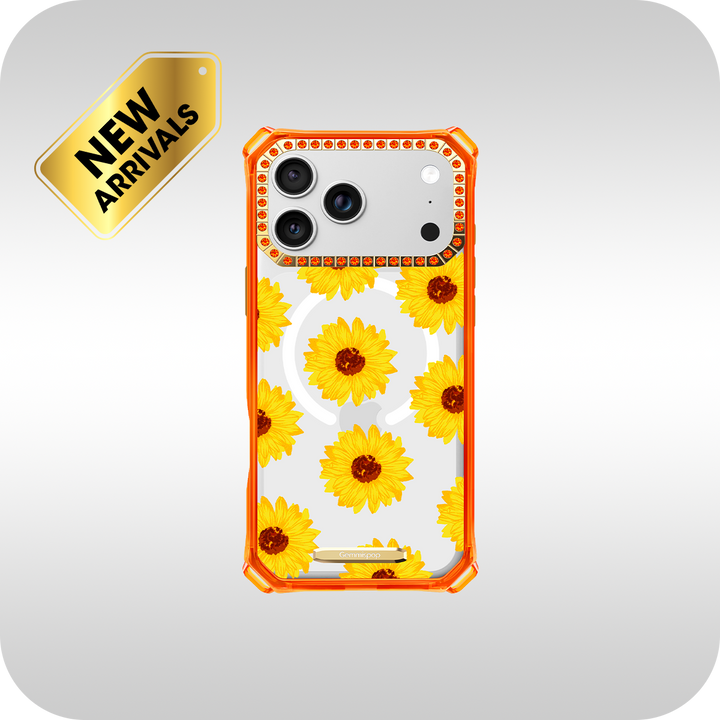
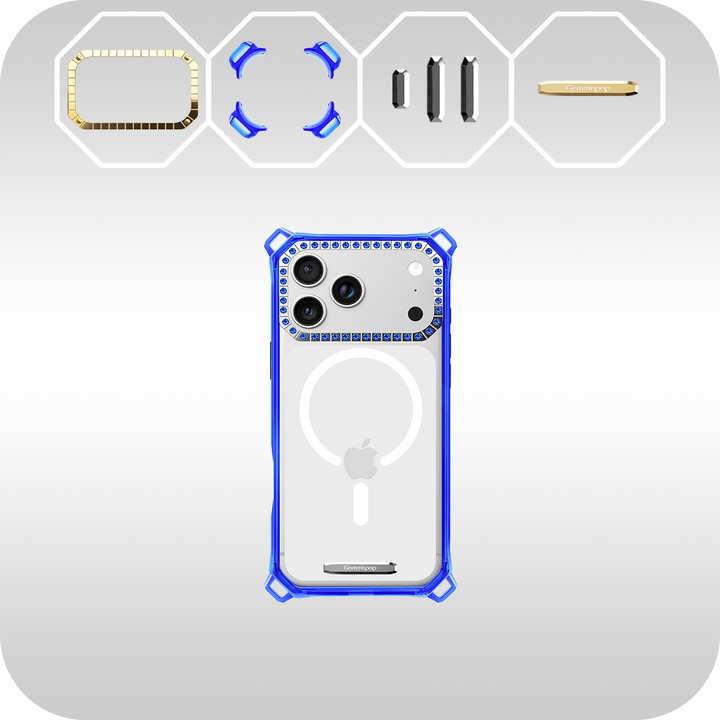
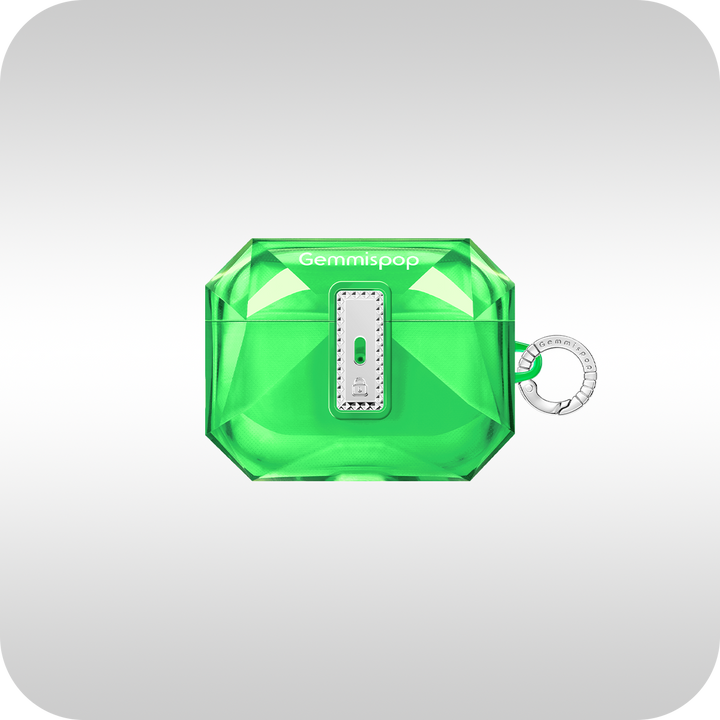
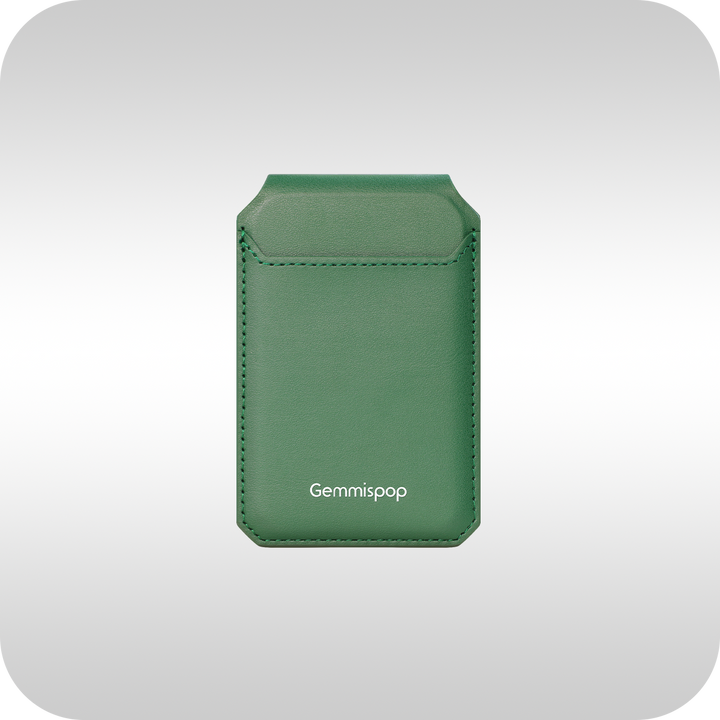
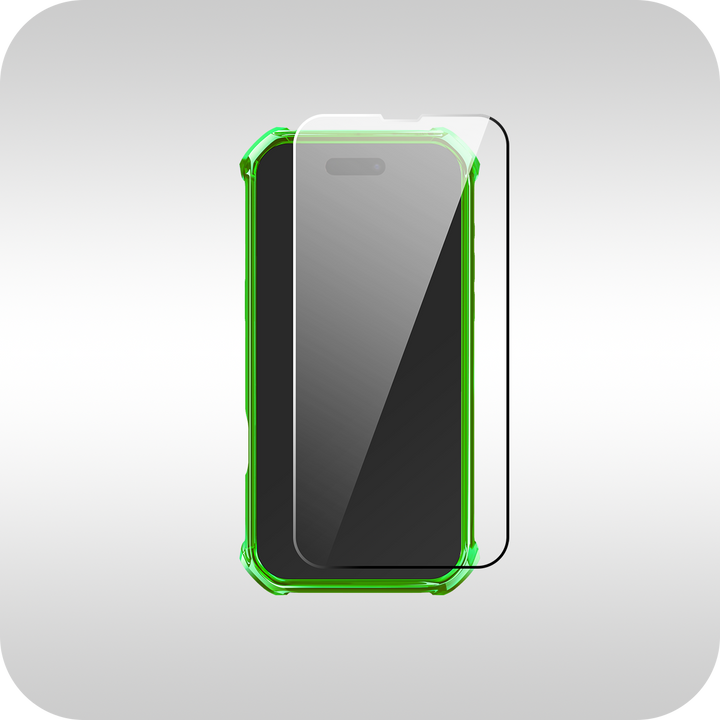
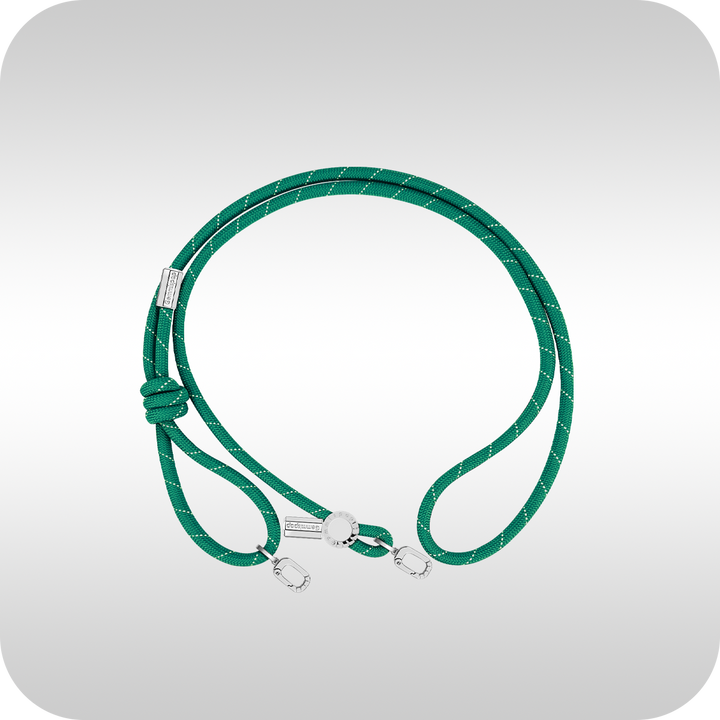
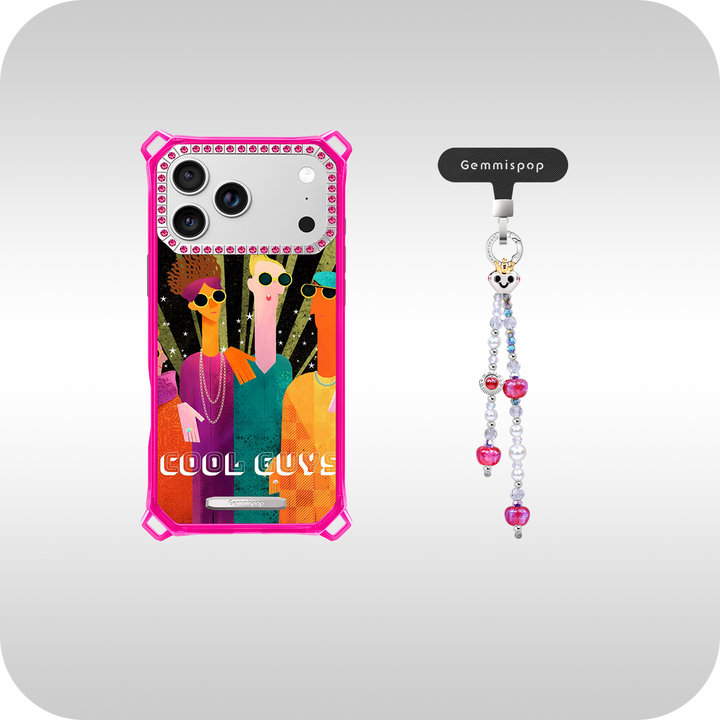
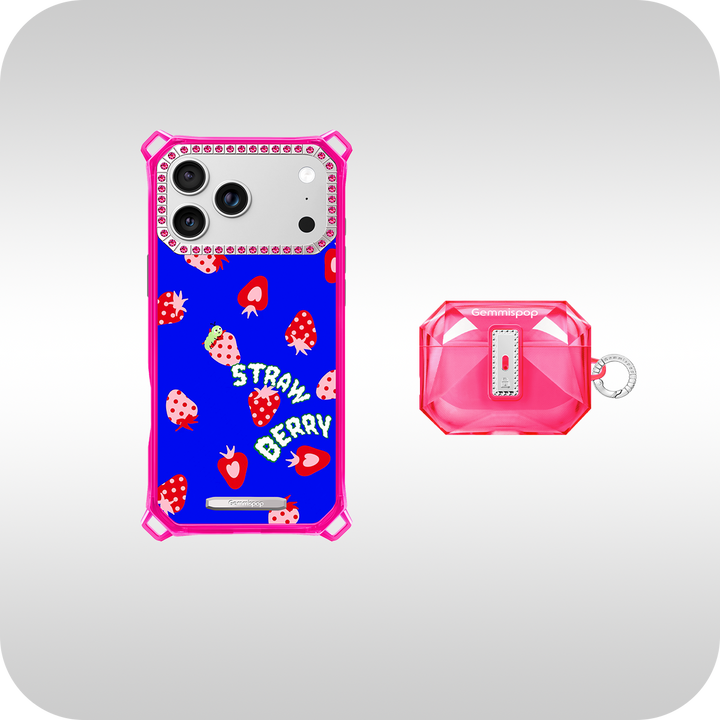
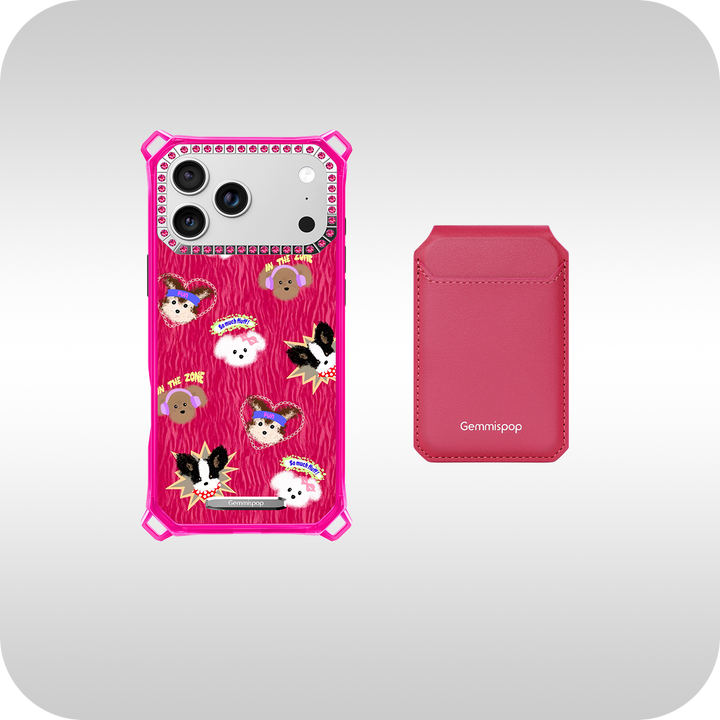
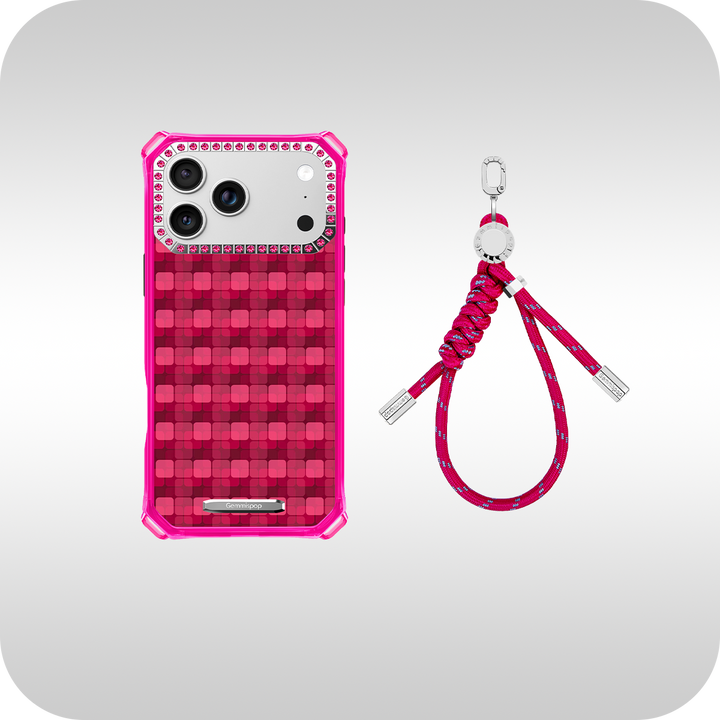
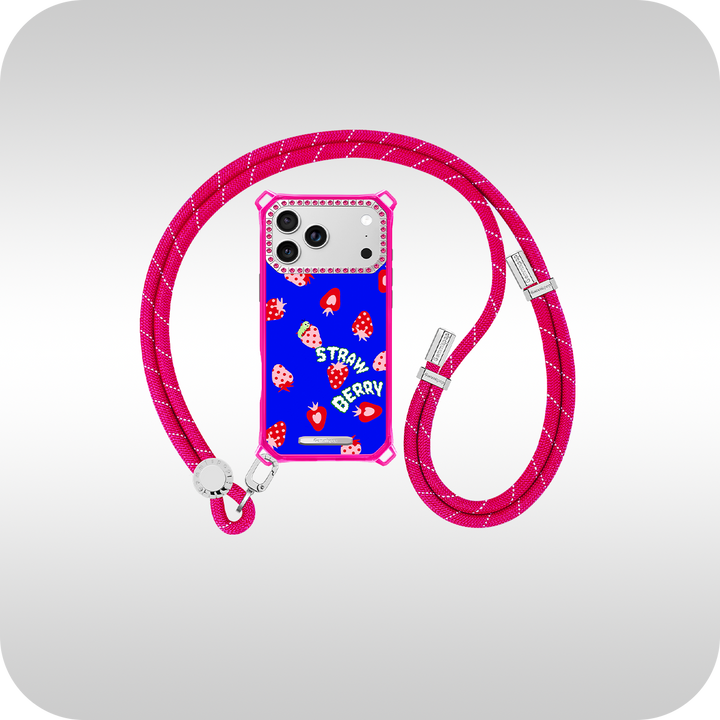
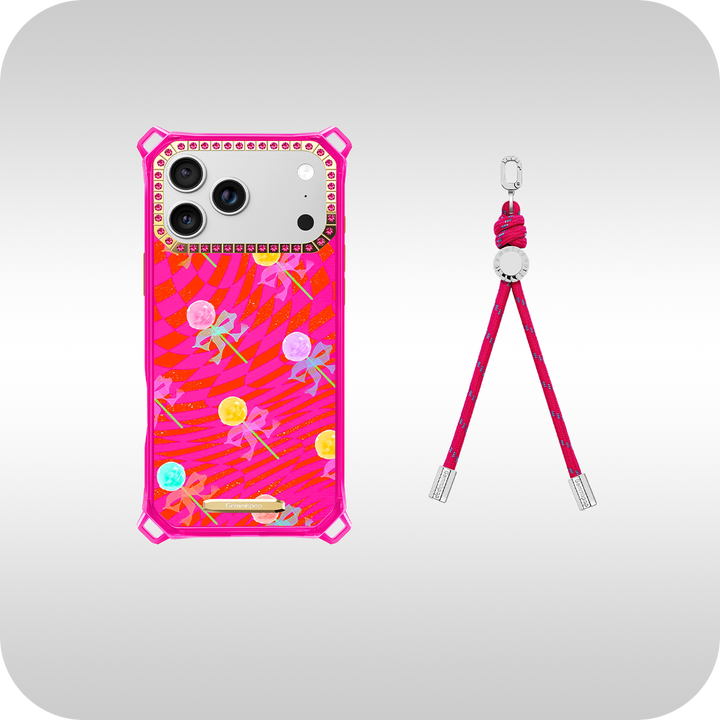
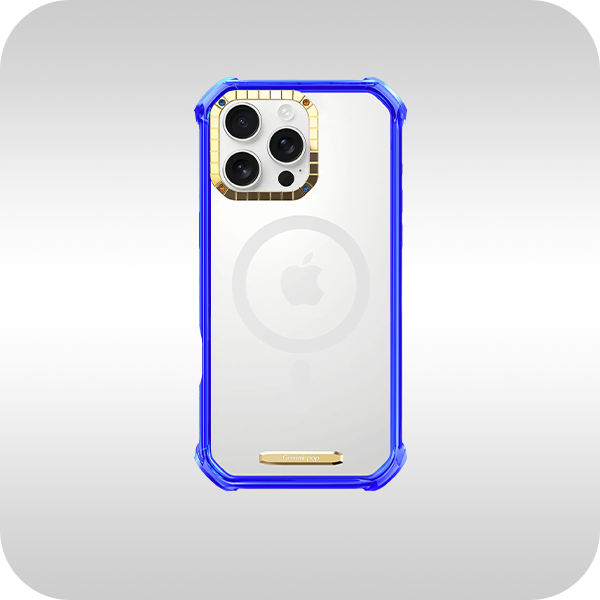
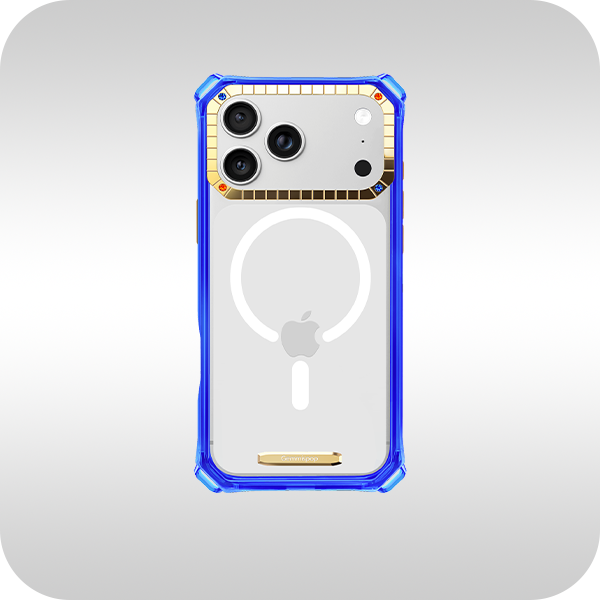
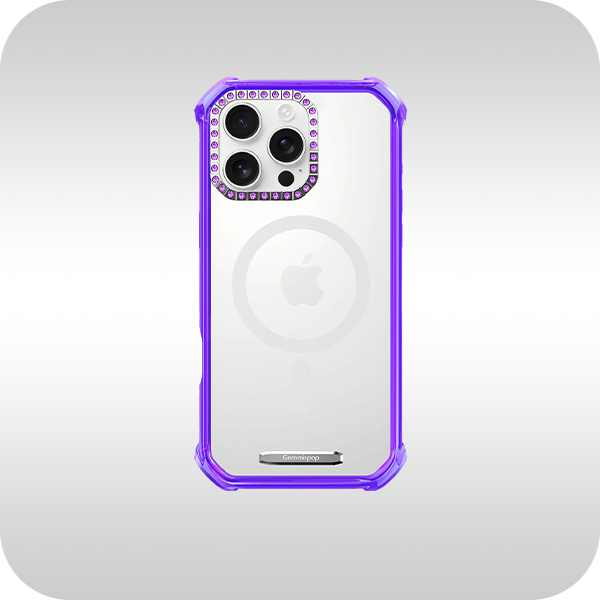
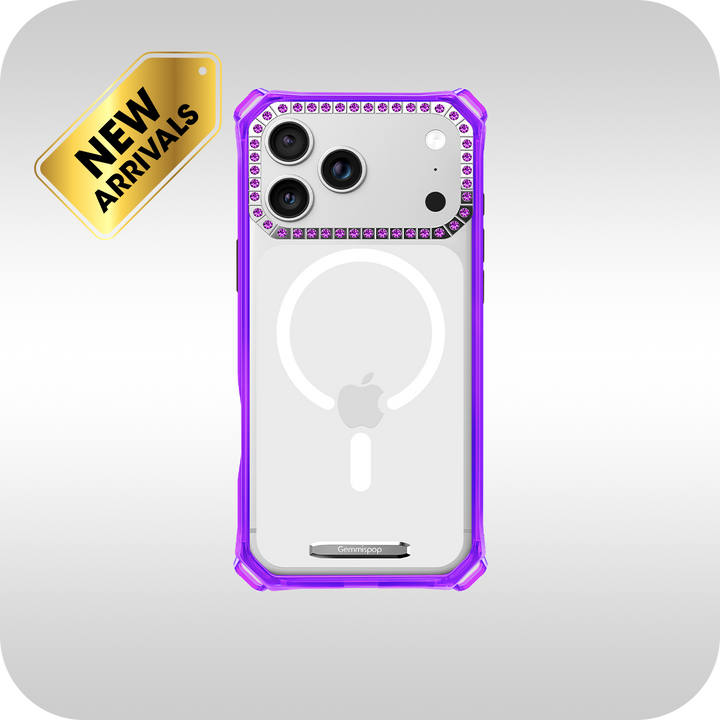
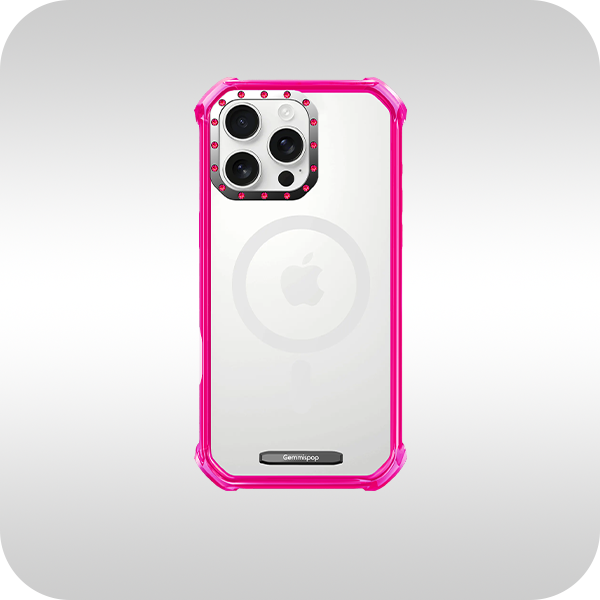
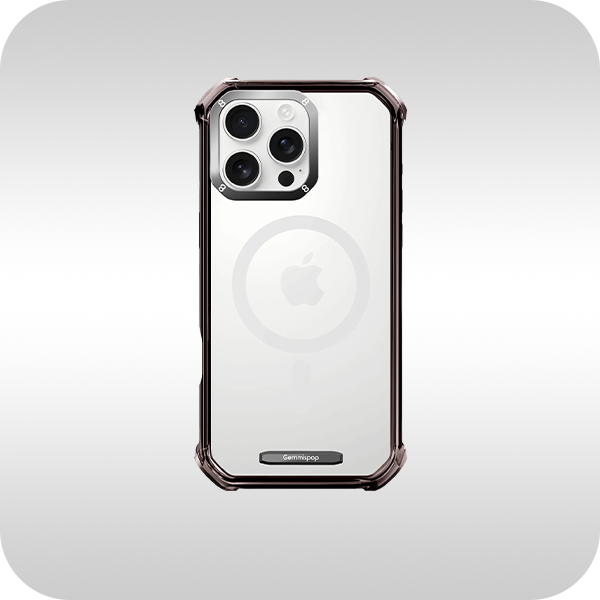
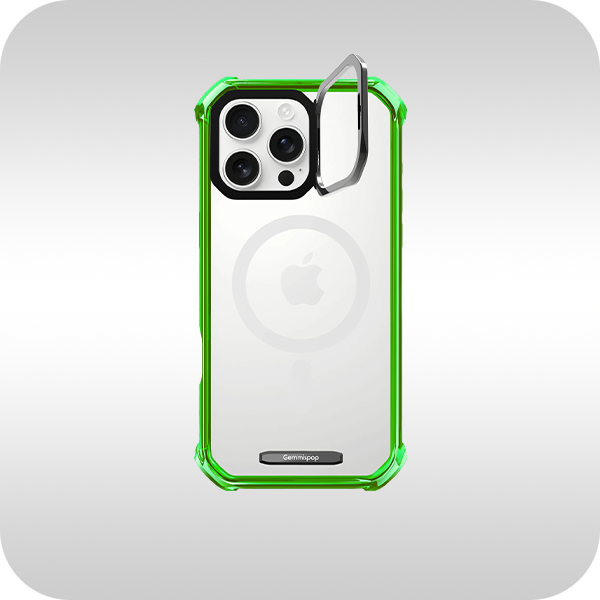
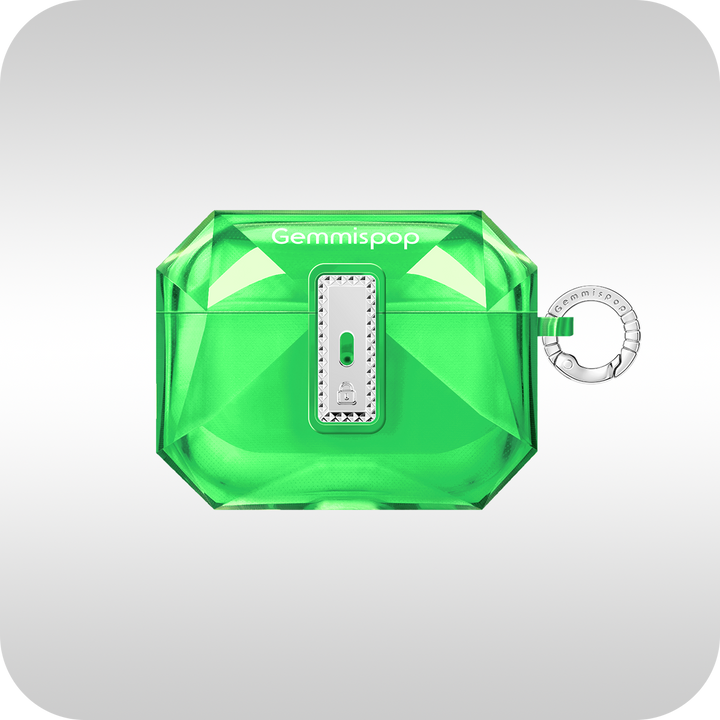
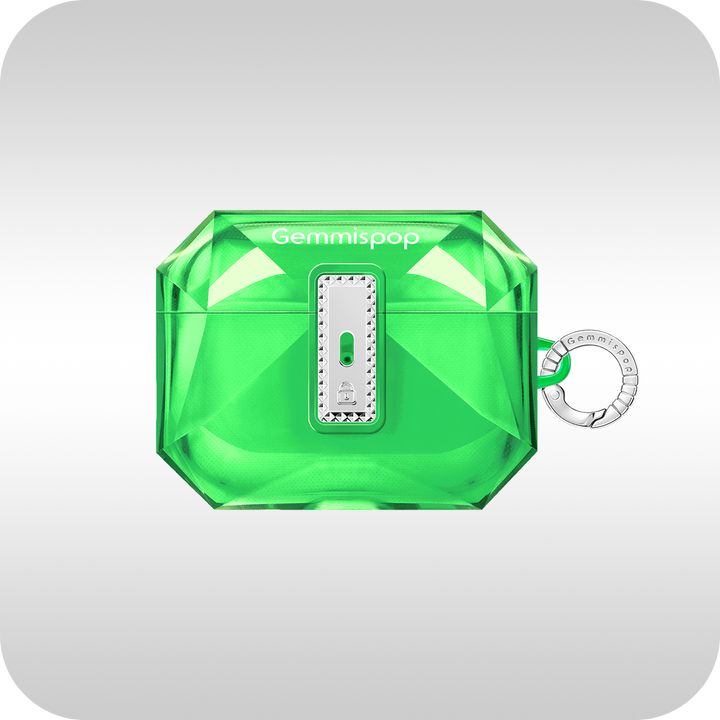
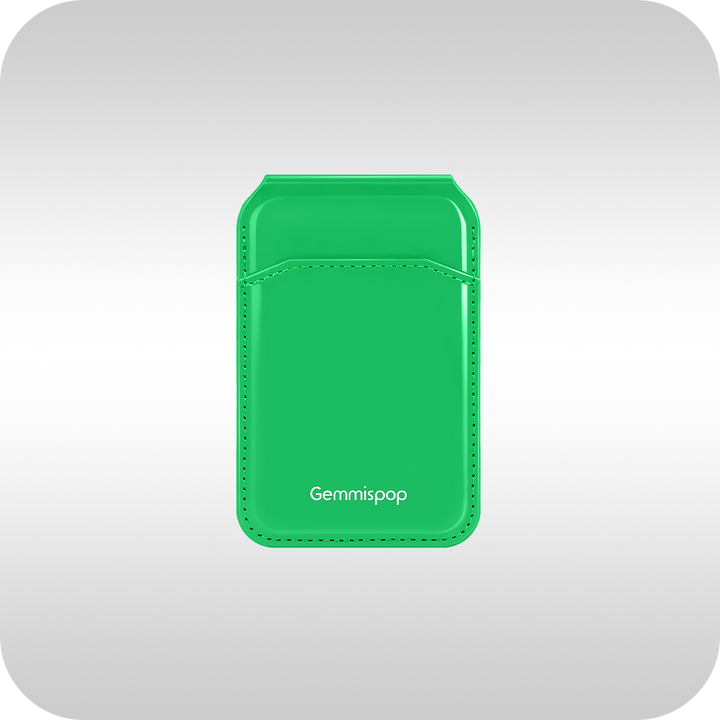
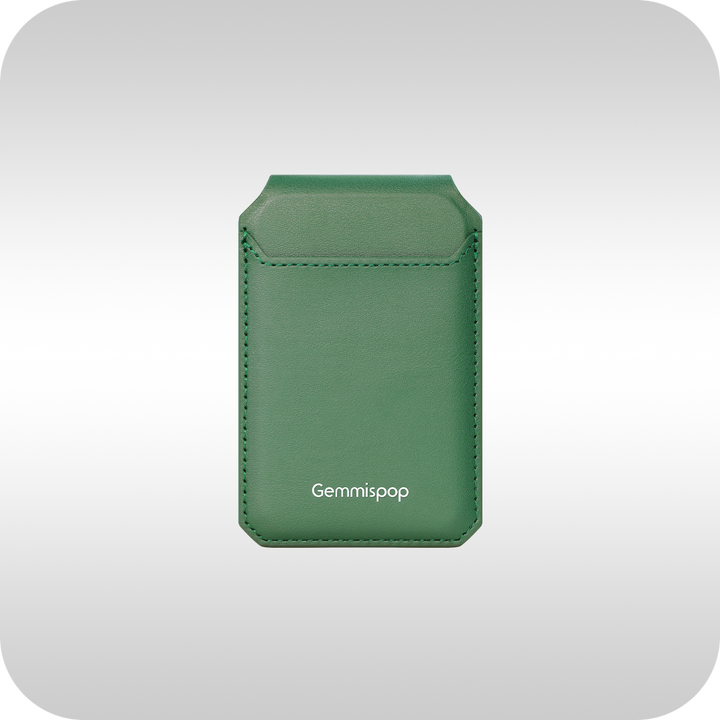
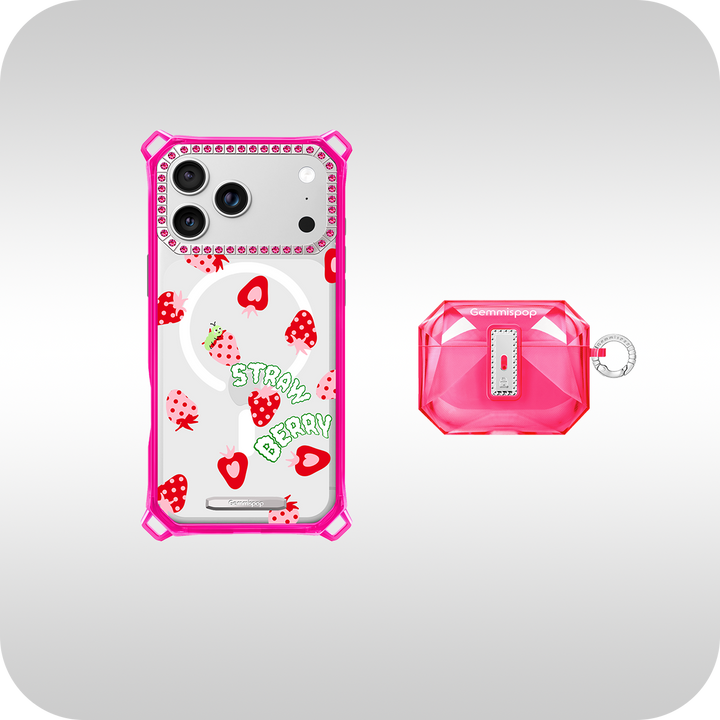
If you want a simple, reliable way to bring these ideas to life, consider the Gemmispop iPhone Case Collection. The collection offers a variety of finishes and template-first layouts that make it easy to apply restrained color palettes, clean typography, and subtle photo treatments without overcomplicating the design. View available styles and confirm exact model availability before ordering at Gemmispop iPhone Case Collection. Be sure to check model-specific compatibility on the product page so the fit and camera cutouts match your iPhone.

FAQ
Will my custom design fit my exact iPhone model?
Case fit and camera cutouts vary between iPhone models. Before you finalize a design, verify the product listing shows your exact model. Many collections list compatible models and images so you can confirm alignment and buttons. If in doubt, check the product page for compatibility details.
What file quality do I need for a photo on an iPhone case?
Use high-resolution images with good contrast and a clear subject. For most iPhone templates, a photo cropped to focus on one subject, saved at a high JPEG or PNG quality, yields the best result. Avoid busy backgrounds and over-compression so details remain crisp at phone scale.
How can I make text readable on a patterned or photo background?
Keep text short, choose a clean font, and ensure strong contrast with the background. Options include placing text on a solid or semi-transparent band, using a subtle drop shadow or outline for separation, or simplifying the background (desaturate or blur) behind the lettering. These small adjustments keep your message legible without overpowering the overall design.


